WhatSender Pro Official Support Hub
Facing activation friction or need account warm-up guidance? Our certified technical response squad is standing by on WhatsApp to resolve your queries with zero downtime.
Support Tickets
contact@whatsenderpro.com
Include your **Software Request ID** and **Transaction ID** for a high-priority response.
User Guide Hub
Master WhatSender Pro with our complete setup guides and advanced feature walkthroughs.
Trust & Safety Hub
Your data security is our priority. We implement **End-to-End Encryption** and privacy standards for 100% campaign integrity.
How to Get Resolved
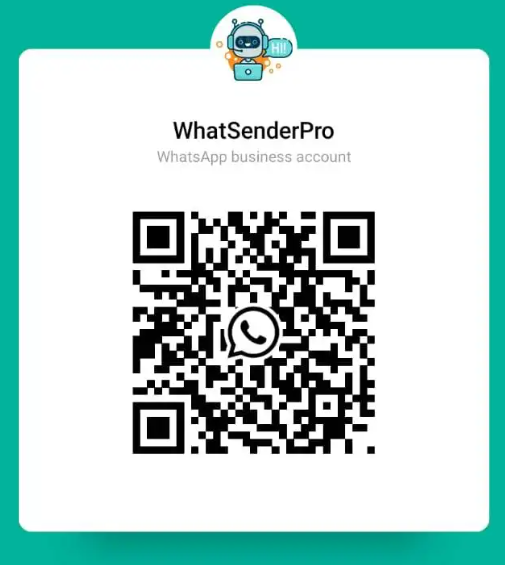
Scan & Chat
Capture the official QR or hit 'Pulse Chat' to initiate a high-priority session. Average response time is under 30 minutes.
Identity Proof
Provide your Purchase Email and Software Request ID to load your license tier and activation records 50% faster.
Rapid Solution
Discover an instant activation fix or a policy audit to maximize your delivery rates. Explore our complete User Guide for faster resolution.
Remote Pulse
For complex cases, our team provides safe hands-on assistance via AnyDesk or Ultraviewer to resolve technical friction live.